
News & Announcements
The news feature allows administrators to post organization-wide announcements that appear to all users within the nunq platform.
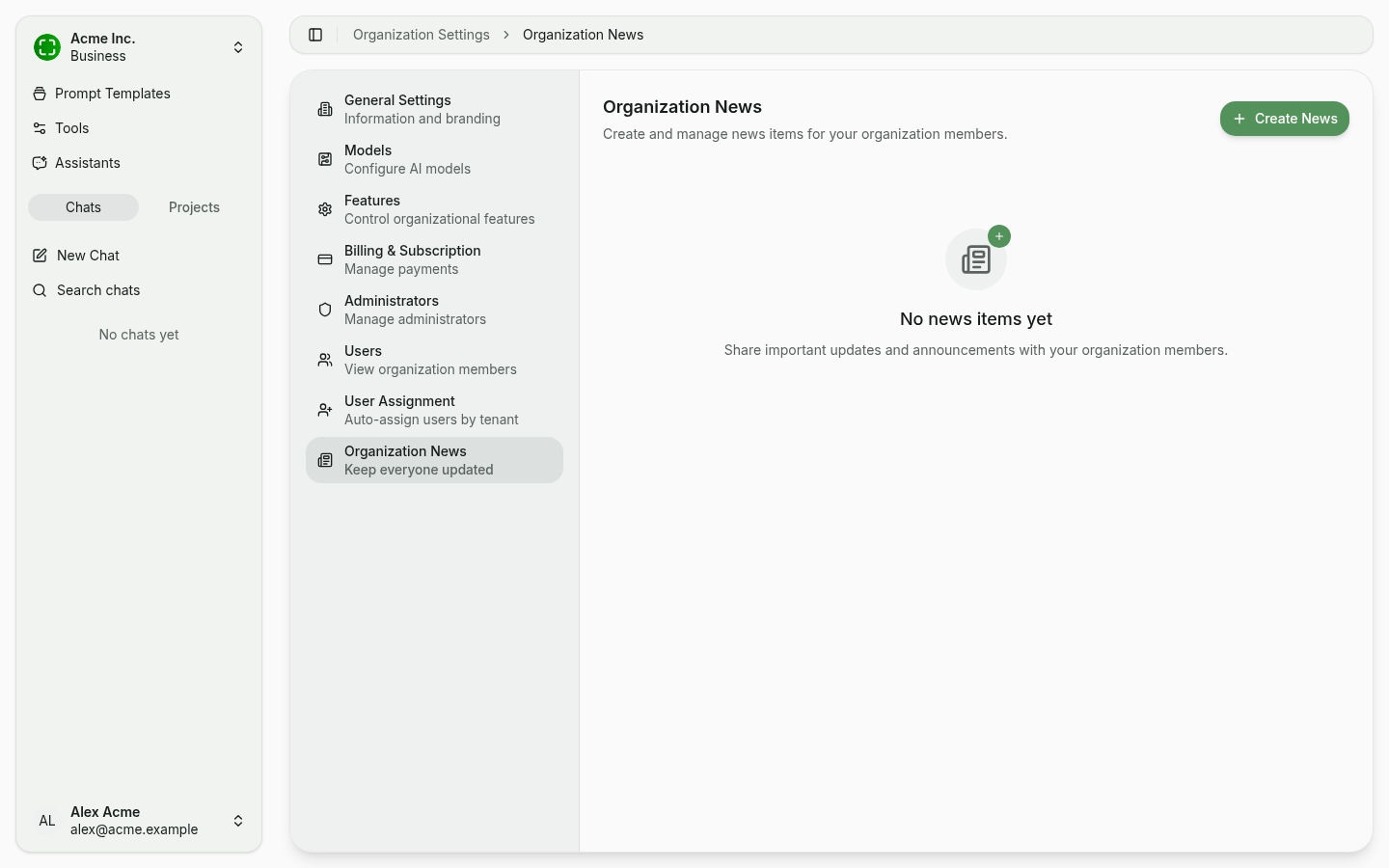
Posting an Announcement
- Open Organization Settings → Organization News.
- Click + Create News in the top right.
- Enter a title and body text. Markdown formatting is supported.
- Save and publish the announcement.
Published announcements are immediately visible to all organization members.
Editing and Deleting Announcements
Administrators can manage existing announcements at any time:
- Edit: Update the title or content of an existing announcement. Changes are reflected immediately.
- Delete: Remove an announcement permanently. Deleted announcements can no longer be viewed by users.
Notification Badge
When a new announcement is posted, users see a notification badge in the application interface. The badge indicates that there are unread news items. Once a user views the announcement, the badge is cleared for that user.
Use Cases
News announcements are well suited for:
- Platform updates: Inform users about new features, model changes, or maintenance windows.
- Tips and best practices: Share guidance on how to get the most out of nunq.
- Policy changes: Communicate new usage policies, guidelines, or organizational decisions.
- Onboarding: Welcome new users and point them to helpful resources.